Episode 16 Embroidery SOPs and Playbooks How To Make Them EASY
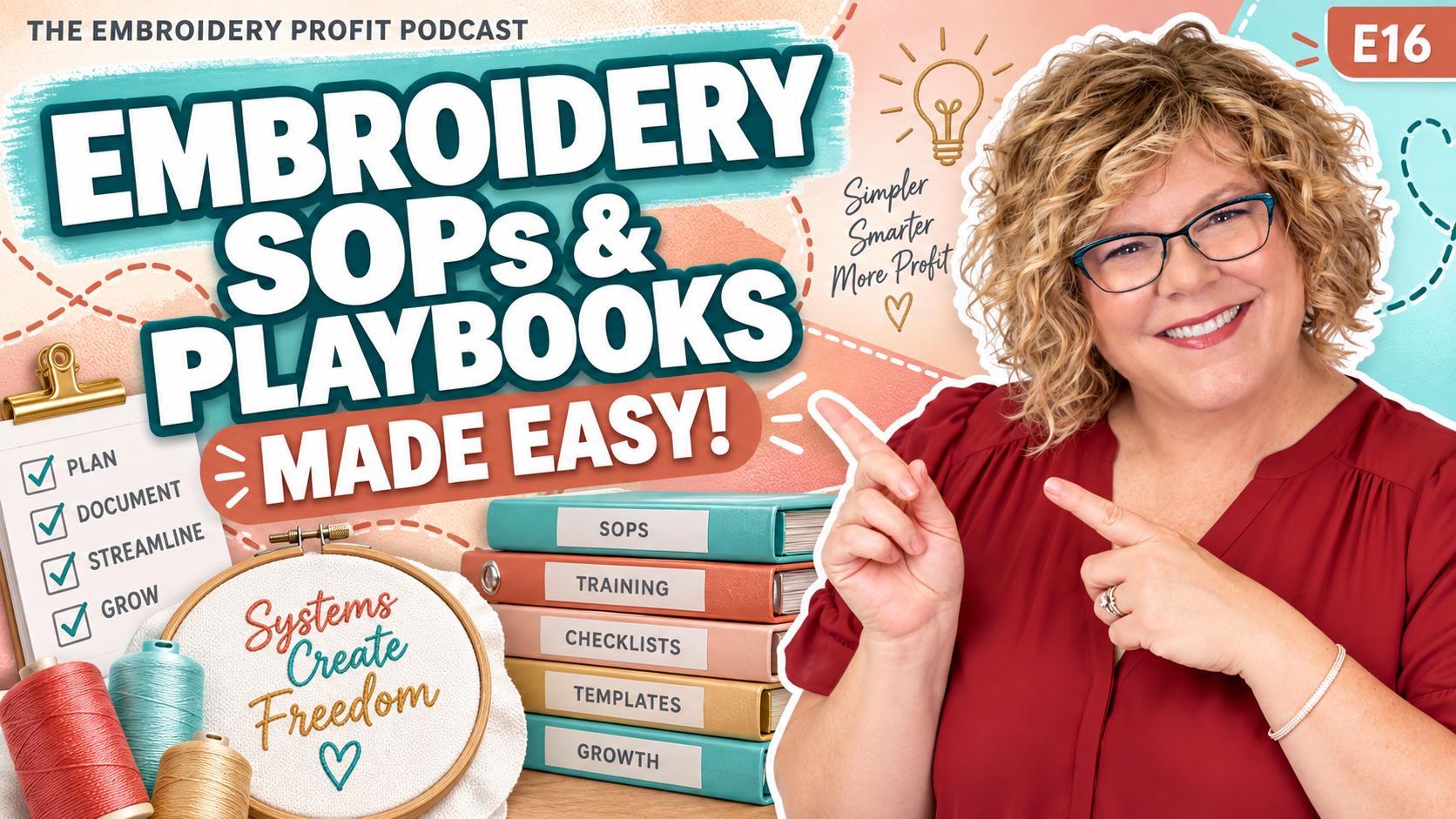
How to Use Embroidery Business SOPs to Stop Overwhelm
The Hidden Cost of Hiring Without Systems
Help without doing this first almost guarantees you'll waste your money, you'll frustrate your new hire, and you'll end up even more overwhelmed. I'm hiring my very first VA virtual assistant, and this is what I'm doing to make it all work. Hi, I'm Hope Yoder, and you're listening to the Embroidery Profit Podcast.
This episode is super practical, so grab a notebook or come back and listen to it again.
What is a VA and Why Do You Need One?
Now, first of all, VA or a virtual assistant is someone who doesn't live in the same place you do, probably in a different country. And you can usually hire them to do administrative things to help you so that you can free up your time.
And usually a VA, if you're hiring in another country, is at a lower cost than what our American wages are, but it's a great cost for them. It really helps support their family. And so I'll talk more about how I found my VA in a later episode, but suffice it to say, I'm using a company that handles all of the background checks and finding someone for me.
They're like a headhunter, if you will. And they are so incredible because they're holding my hand because I don't even know what that's going to look like other than I can see light at the end of the tunnel.
There's so many things that suck up my time every day. How about you? Do you find yourself taking hours to make quotes and invoices, and then you're ordering, and that takes even longer? And by lunch, you haven't done a thing on your list because you're so bogged down with answering emails and all of that.
Now, as the business owner, your zone of genius is not in doing all those tasks. So when I'm talking to the company that's going to find a virtual assistant for me, I started saying things like this.
I don't even know where to start. Like, what jobs would I give a VA? And what jobs do I keep? And how am I going to even train them? It seems like it's going to take a lot more time and I should just do it myself.
All right. If you've had thoughts like that, you need this book as much as I do. Again, buy back your time from Dan Martell. And the headhunter told me to read this. And so I got the audiobook, which I highly recommend.
And I have been devouring it. It is literally changing my life. It is like light bulbs are coming on.
And for the first time in 20 years, I see a plan of how I can grow and work less and focus more on the things that bring in the money and things that I love and things that I'm actually good at. Because I don't know about you, but I'm not good at everything.
And I usually take a long time to do things that I am not good at. And I put them off, and then I do them all alone. Stop multitasking. Come back to me. You need this episode just like I needed to learn it on my own.
The Power of the Camcorder Method
All right. So the idea is you should come up with SOP standard operating procedures, or we could just call them a playbook. Because at some point, if you're gonna fulfill your dreams and grow bigger so you can make more money, you're gonna need something in writing and a video.
So it's easy to train whoever you hire. Make sense. So that's what an SOP is. And Dan broke it down super simple.
Because honestly, you guys, I'm like, how do I have time to record all of that? And what does it look like? You know, can I use AI to help me? And I couldn't wrap my brain around it.
And in this book, Buy Back Your Time, he uses something called the Camcorder method. And I'm probably not doing it just like he said, but here's what this method is.
So in the book, Dan describes how to make an SOP is a lot more simple than what you think. And he calls it the camcorder method. You're gonna record yourself performing a task three times.
You're gonna talk while you record it, and you're gonna have a trainee watch the video. Read the clip, have it pulled up. Simple, right?
But you're probably thinking the same thing I was thinking. I don't have time to record a four-minute video. I just need to get this done.
Well, friend, if you don't take four minutes today to record that, you're gonna be spending 40 hours a week for the rest of your life doing it yourself. And he says if you can't find four minutes to do this, then you're never gonna find four hours or forty hours.
And so you need to carve out that time right now. So let me break this down into the steps that I use to make my playbooks or my SOPs or my training videos to hire a virtual assistant.
Step 1: Choose Your Screen Recording Tool
Step one, you need to pick a screen recording tool, something that you can record the software while you're recording the task. So I use a program called Camtasia. I've used it for 20 years.
I know it really well. And the reason I have this program that I pay for is because I do a lot of software training in the laser and the embroidery world, and I've done that forever. And so I pay for that.
So I use Camtasia. But if you don't have Camtasia and you use a Mac computer, there's a built-in program on every Mac that's absolutely free. It's called QuickTime.
And you can screen record yourself doing these tasks. Other options that you could pay for that are super popular is Loom L O O M. Now, at the end of the day, it doesn't matter what you use.
If you're on a PC, you've probably got a snipping tool that you can use. I don't care what you use, as long as you have something that can record your computer while you're doing the task.
Step 2: Identifying Your First Task
Step two, what's the very first task that you can delegate or pull out of your head and get on paper? Maybe it's checking your email. Maybe it's answering common questions.
That might be your very first task. Now, want to know what my answer is? It's quotes, invoicing, and then turning around and ordering those blanks from Sanmar.
You guys, the other day I was starting to doubt if I needed a VA. And I just started thinking in my head, well, I don't really want to part with any money. I don't want to pay someone.
I can just do it myself. By the time I train them, I might as well do it myself. And then I had three quotes to do.
It took me three hours to do that. That's like a third of my day. That eats up so much of my time.
It's not my zone of genius. I'm not particularly great at it. So that's where I'm going to start. One task. One SOP and that's it.
The Importance of Detailed Invoicing
So in this episode, I'm gonna tell you how I made my SOP for invoicing. All right. And then you will get the idea behind it, and then you can make SOPs for everything.
But I want you to promise me if you liked what I said so far, and you're thinking, hey, maybe I need to look at a VA, I want you to promise, commit to yourself. You're gonna make one this week.
All right. So I record the invoice process. And you guys, this part right here, I had to share with you.
How do I write an invoice? Well, first of all, it starts with an email from a customer. I want exactly the same thing you ordered for me last time.
Shoot me an invoice. If I went, crap, I have no idea what that was. I pull up their invoice and I don't see all the details that I need to quickly reproduce it, then I'm not doing my invoices right.
So here's how I do my invoices. I use real part numbers. Now mostly I order from Sanmar.
I have other vendors I order from, but I'm just gonna talk about Sanmar right now. So I need the exact numbers. Part numbers or SKU numbers from Sandmar's website to order.
So on my invoice, I'm not gonna put dry fit polo green size medium quantity three. That does not tell me anything to reorder a year from now. Instead, I'm gonna put a Nike polo.
Let's take a Nike polo, for instance. My number one selling polo for women is Nike Polo. So the category on the invoice is going to go under embroidered polo.
Then in the description of my invoice, it'll say something like this. NKDC 1991 dash woman's polo dash embroidered. On the second line, it's gonna say quantity, and then I'm gonna break down every size.
So it may be small quantity five, medium quantity three, large quantity two. Then on the next line, I'm going to actually name the color. Because Nike names it one thing and Sanmar might list it as another color.
So I would use whatever Sanmar is describing it. So it might be forest green. Okay.
And then the next step would be naming the thread color and where it goes. So my next description on the same line or same category is going to be logo placed on the left chest using light gray, Madeira, and whatever thread color the number is so it's repeatable. That's how you build a business, not a hobby.
So think about that. A year from now, I could look up and maybe it's a four-page invoice. I hope it's a four-page invoice.
That means woo, more money, right? And then every color is going to have its own category. So the next one might be Kelly Green.
So I would have embroidered polo, NKDC 1991, color Kelly Green. I'd list the size and the quantities. All right.
Then maybe they ordered hats. Maybe they ordered Richardson 312 black. With a logo embroidered on it.
So every single line has the exact part number, the exact color name, the size, and the quantity. Wow. Don't hide your part numbers.
Give the real numbers instead. I know some shops don't do that. And I know that because some clients that I have built relationships actually will send me invoices from other companies that they no longer work with today because their work wasn't good, or they didn't deliver on time, or they just treated them unfriendly.
And I noticed that a lot of the invoices, they don't use the real part numbers, probably out of fear. They're probably afraid that they are gonna send it to someone like me who's gonna know exactly how much they paid for it. Who cares?
Business is business. My knowledge is not free. And so you want to charge for your expertise and give them exactly what they paid for.
And so you're gonna write everything on the invoice. Now, why is that important for my VA? Because the next step in my SOP, step three, before I hit record, in order for the VA to order on Sandmar for me, the invoice must be paid in full.
You guys, I don't blink until my invoice is paid in full for that client. Now there's a few exceptions, but generally client comes in, we create an invoice. I don't send off the design to be digitized.
I don't order the parts. I don't design. I don't do anything until it's paid in full. All right.
So let's assume that this is paid in full. Now I'm ready to record my SOP for the VA. All right.
Step 3: Recording the SOP Process
Step three, do the recording. Step one, figure out what recording software you wanna use. Step two, create an invoice for a client, wait till it's paid, pull up that PDF file.
Step three is I'm gonna have the PDF open. And I'm also going to open up the screen recording software that I'm gonna use. I'm gonna have them side by side.
And I'm gonna hit record. I'm gonna walk them through and I'm gonna be loud and I'm gonna talk everything that I do. And it might go something like this: okay, step one, open SANMAR dot com and login.
Step two, look at the first line of the invoice. Find the part number. For instance, NKDC 1991.
Search for it. Pick the correct color. Pick the correct quantity and sizes.
Add to cart. Do this for the entire invoice. Step three, once it's in the shopping cart, triple check what's in your cart with the invoice.
Make sure every line on Sandmar you click the drop-down menu under multiples. Double check the size, the color, the part name, and the quantity, and then check it again. As a last step, count the product total on the invoice.
Count the product total in the shopping cart on Sanmar and verify they match. If for some reason I haven't met my free shipping minimum, reach out to me to ask me what products I need to order for my embroidery profit academy, for my kits, for friends and family, or for myself. Final instruction: do not purchase.
Leave this in the cart. Notify me when it's triple checked. Side note, if a product is no longer available, do not substitute, but make a spreadsheet and find three substitutes that look similar.
Give me the price and the part number. Also, make sure that everything possible ships out of Jacksonville warehouse as that's closer to me and will be faster shipping. That's it.
Step 4: Storage and Organization
Step four, save the recording to your computer. Now you're gonna have a four-minute MP4 file. Or you can host it on Loom if you choose to pay for that.
That's entirely up to you. But I need to figure out where am I going to store it. Now I am a Dropbox girl.
I have four terabytes in Dropbox and it's almost full. So I'm gonna have to move that to an external hard drive to free up space. Or you could use Google Drive.
Now, I think I'm gonna use Google Drive for all my SOPs. Why? Number one, I pay for Google Workspace.
And number two, when I do write up the document, those documents are live and I can change them on the fly without having to save something with a new name and all of that.
Step 5: Using AI to Create Written Documentation
Now, step five. You need more than a video. You're gonna need a written script, a written SOP.
And this is gonna be super easy to do. All right. That video, my video that I did for Sandmar was four minutes long.
It probably could have been shorter. But how am I going to make the written document? You guys, this is so easy, easier than you think.
If you pay for Chat GPT, Claude Gemini Perplexity or one of those AI subscriptions, you're going to drop that MP4 file into, let's just say Chat GPT, and you're going to tell it to create an SOP using the following parameters.
Now listen closely. This is a hack. My eyes are getting old.
I don't like to read really small print on white sheets of paper. It gives me a headache. And for some reason, when AI writes things, they are using these teeny tiny little bitty fonts that I can barely read.
And so standard fonts on a Microsoft Word document are usually 12-point. So you're gonna want to tell Chat GPT, make it 10-point, or rather, make it 12-point font, make the title bold, make everything else regular font, and keep everything black. All right.
So here's the checklist. Video at the top. The title is SOP-whatever the training is.
Now, once I've done that, it's gonna think, it's gonna think, it's gonna think, it's gonna listen to the video, and it's gonna draft an SOP. The first time I did this, it took about six or seven times of it drafting a document to get what I wanted.
So you want to spend a lot of time, the very first time getting it exactly like you wanted. That's gonna be normal. Once you get that SOP like you want it, you're gonna tell Chat GPT, from now on, use this format for a template and make everything the same format, including the title, the video link, the fonts, and everything, and keep it to one page.
When I do the next SOP, I'm gonna keep it in that same chat. I'm not gonna open a new thread in Chat GPT. I'm gonna keep it in that thread.
And every single time, I'm just gonna drop the link or the video in there and say, please perform the same task for this video. Now, listen, you don't even have to have good audio. You don't need to crop it.
You don't need to edit the video and splice it and do all those fancy things. Just record the darn video. Upload it into Chat GPT to get a written document.
Figure out where you're going to store it. I'm going to use Google. And so this is what that's going to look like.
Okay. So Google will have a category called SOP. Inside of that, there's going to be a subfolder that's called admin or VA.
Inside of that, there'll be hundreds of SOPs with one task only, like what we just did. So it might be Sandmar ordering, it might be pirate shipping, it might be sending a quote into a sauna, it might be how to answer a quote, it might be pricing on patches.
Every SOP that you make needs to be short and for one task only. Don't do a really long SOP. Nobody will sit there and do search for it, right?
Looking for multiple things. Think about Instagram, Instagram or TikTok. Just fast, in and out, one task only, all right?
Another SOP that I recorded for my in-house staff is how to ship. We use Pirate Ship. And so I recorded me printing labels.
And if you guys use a thermal printer, it's pretty complicated the very first time you do it. You don't just say print. You have to tell it the paper size and all of that.
So I have that as an SOP. So the first time I hire someone in-house and they're learning to pack and ship, instead of me teaching them three or four times, I teach them once and I hand them the iPad and say, here's the video, here's the manual. Watch it as many times as you want.
And that's gonna free up my time. All right.
Creating Physical SOPs for Equipment
Let's talk about hiring someone to run your equipment. You're gonna want SOPs for that. For instance, you may hire someone to run your embroidery machines.
And here's how I record those SOPs. I've done several of them. And I don't use screen recording software, obviously, because I'm not on my computer.
It's so simple, you guys buy a tripod with a a cell phone mount. I use an iPhone, so I bought an iPhone mount. You're gonna record horizontal like a YouTube video, not vertical like you do for Instagram or TikTok.
You want it vertical. I mean sorry, horizontal. Sorry, horizontal.
So set up your phone on a tripod and then just quickly record. Maybe you're gonna teach them how to use your brand of embroidery machine and the screen. So you're gonna hold it up and you're just gonna say, This is an SOP for how to pull up a design, center it.
And pull up the colors. So my tripod is here, and I'm gonna quickly say step one, open the design, choose USB or machine memory. Step two, select the design.
Step three, select the proper hoop. Step four, select the colors. Step five, push lock, embroidery mode.
Step six, trace, step seven, push start. Now on that SOP, I would actually tell Chat GPT for the written document, use emojis because we like pictures, right? So put an emoji after each step that relates to it.
And then my last and final tip is go and print out those physical SOPs and put them in a clear plastic sleeve and tape them onto the machine. So when you're training someone, everything they need is right in front of them.
And honestly, you could do the embroidery process once a day. Every time you do something, make an SOP. It shouldn't be more than a minute long.
Okay. Not an entire process. Don't tell them the background and the theory behind it.
Just say push step one, push here, push here, push here. And that's it. Every little thing that you do, record it and SOP it.
Next time something happens, they'll have that SOP. They can handle it on their own without interrupting what you're doing. And you just keep on working.
Let's talk a little bit more about the folder structure so i mentioned i'm gonna be using google drive because the documents are living that means when my va or my associate looks at the document i want them to find my mistakes you guys i make a lot of mistakes i don't know about you because in my head i know what to do and so i might skip a step.
So if it's in google drive and i tell them find my mistakes did i leave out a step i can easily just change that document and it's going to change it when they see it. It's gonna be a living document, unlike Microsoft Word and uploading it into Dropbox, I'd have to save over it, delete the old document.
So Google Drive, while I'm not a huge fan of it, for this case, that's where my SOP lives. And you're going to want to make a master sheet that just links to every individual task.
And so they're in alphabetical order. So if they need to learn how to ship, they look under S, they click the link and the training pops up.
Final Challenge: Start Small Today
All right. I'm gonna challenge you. Find one simple task on your cell phone right now, because I know you guys have a cell phone and record one.
Bring it into Chat GPT and make your very first SOP. Yay! And I want to hear about it. All right, pick a subject, record it. Build it.
You guys have the same amount of hours in your day as that shop around the corner that runs a hundred embroidery machine heads. The difference between us and them is they probably already have systems.
And we're building them starting today. The time to do this is when you're small, when you're doing everything yourself.
Don't think of it as I don't have time to do this. Think of it as I don't have time to not do this if I'm going to build the future that I know I deserve.
Stop handing it off to someone else. Stop putting it off, do it yourself and grow the business you dream of.
Hey, if you guys have a better way or a different way that you make SOPs, shoot me an email. I'd love to hear this. If this episode has helped you, let me know and please leave us a review on Apple Podcasts to help us get more reach.
Next time you're thinking about your business and being overwhelmed, it might be time to hire someone. But first, start recording your tasks. I'm Hope Yoder and thanks for listening to the Embroidery Profit Podcast.
Ep 15 Dave Ramsey-ing It How I Fund Embroidery Equipment Without Going Into Debt